Protect Your Home Network with a Secure Guest Network

Protect Your Home Network with a Secure Guest Network
When friends, family, or tradespeople connect to your Wi-Fi, they’re effectively joining your home network. It might seem harmless, but if one of their devices is infected with malware, it could put your personal data and devices at risk. Setting up a guest network is a simple and effective way to protect your digital home – without making it difficult for visitors to get online. Here’s a guide to why and how you should create a secure guest network.
Why a Guest Network Matters
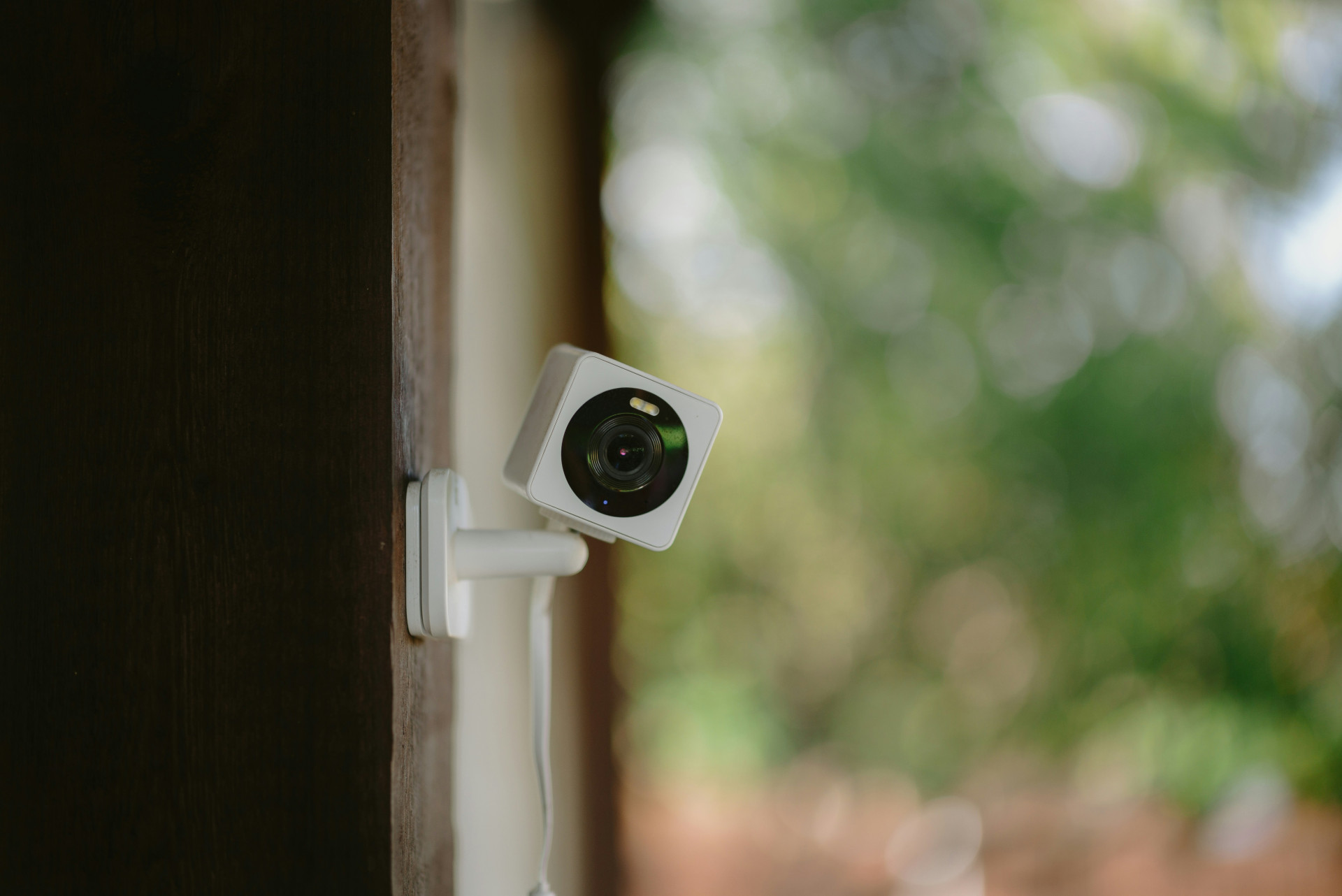
Most modern routers allow you to create a separate network for guests. This means visitors can access the internet, but not your other devices – such as computers, printers, smart TVs, or security cameras.
A guest network acts as a digital barrier. If a guest’s phone or laptop is compromised, the malware can’t spread to your main network. This helps protect your files, smart devices, and personal information.
It also saves you from sharing your main Wi-Fi password, which often gives access to your router’s settings. That makes it easier to stay in control of who can connect – and when.
Læs også:
How to Set Up a Guest Network
Most routers include a built-in guest network feature that you can enable through the router’s admin page or mobile app. The exact steps vary, but the process usually looks like this:
- Log in to your router – usually by typing the router’s IP address (for example, 192.168.0.1) into your web browser.
- Find the “Guest Network” settings in the menu.
- Enable the feature and choose a network name (SSID) that’s clearly different from your main one – for example, “SmithFamily_Guest”.
- Set a strong password – use a mix of letters, numbers, and symbols.
- Restrict access – make sure guests can only use the internet, not your local devices.
- Save your settings and restart the router if required.
Once your guest network is active, you can share its name and password with visitors – without compromising your main network.
Keeping the Guest Network Secure and Convenient
A guest network should be both safe and easy to use. Here are some tips to strike the right balance:
- Use WPA3 encryption if your router supports it – it’s the latest and most secure standard.
- Change the password regularly, especially if many different people have used it.
- Turn off the guest network when you don’t need it – this reduces the risk of misuse.
- Limit bandwidth if you want to prevent guests from using too much of your internet capacity for streaming or downloads.
- Keep your router’s firmware up to date to ensure you have the latest security patches.
Extra Protection with Network Separation
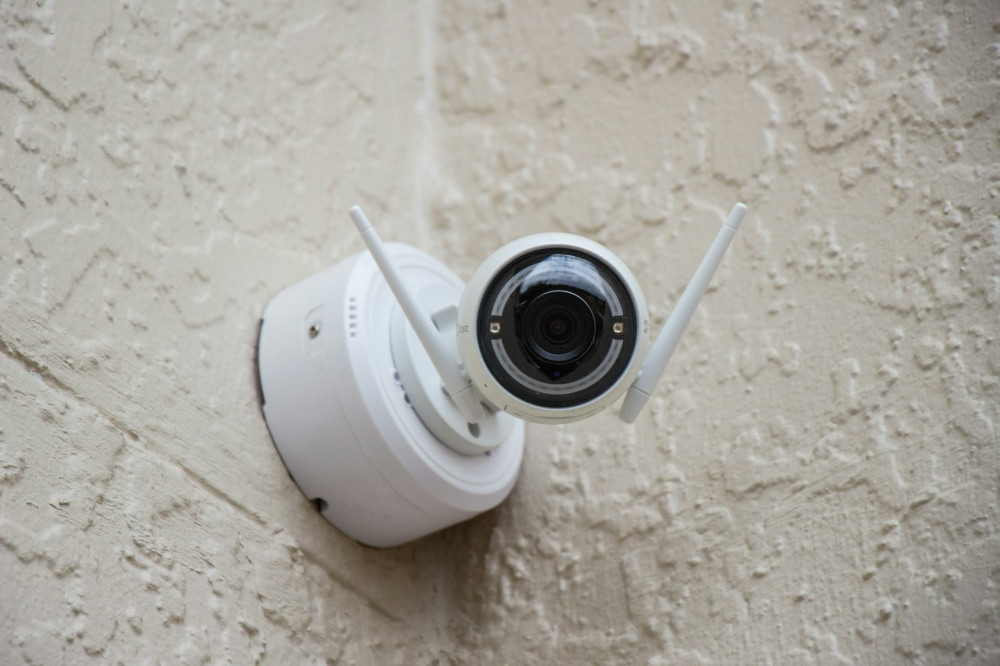
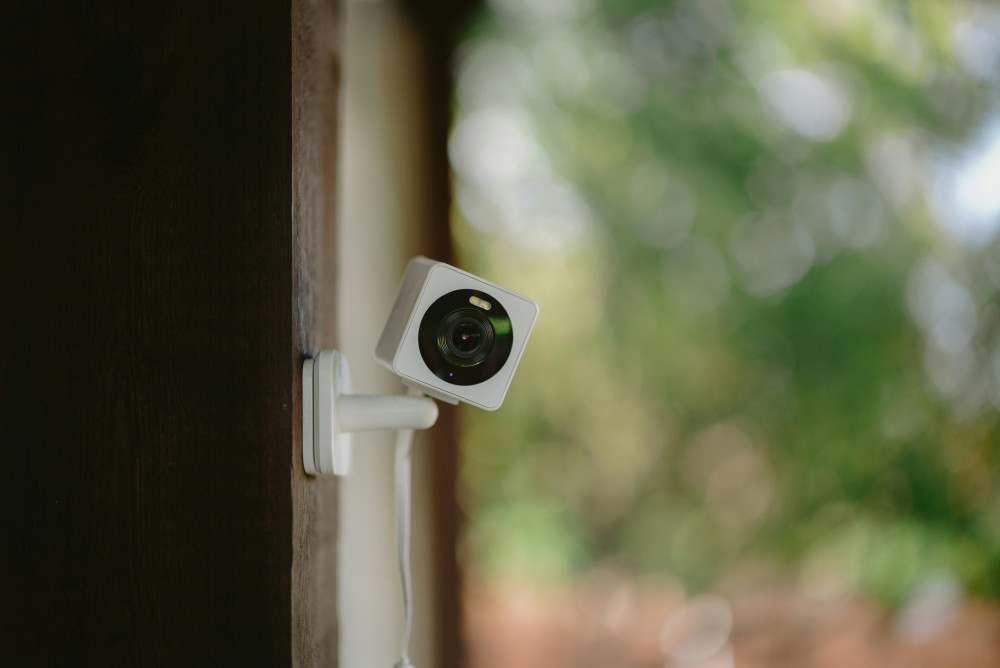
If you have lots of smart home devices – such as lights, speakers, or cameras – it can be worth creating a third network just for them. That way, your personal devices and your guests’ devices are both isolated from gadgets that may have weaker security.
Some routers also offer “IoT isolation”, which allows smart devices to connect to the internet but not to each other. This can provide an extra layer of protection against hacking.
A Guest Network as Part of a Secure Home
A secure guest network isn’t just for tech enthusiasts – it’s a natural part of a modern, safe home. Just as you lock your front door when you leave, you should also secure your digital home against unwanted access.
Once set up, a guest network requires very little maintenance but offers great peace of mind. And your guests will still find it easy to get online – just in a safer way.
Læs også: